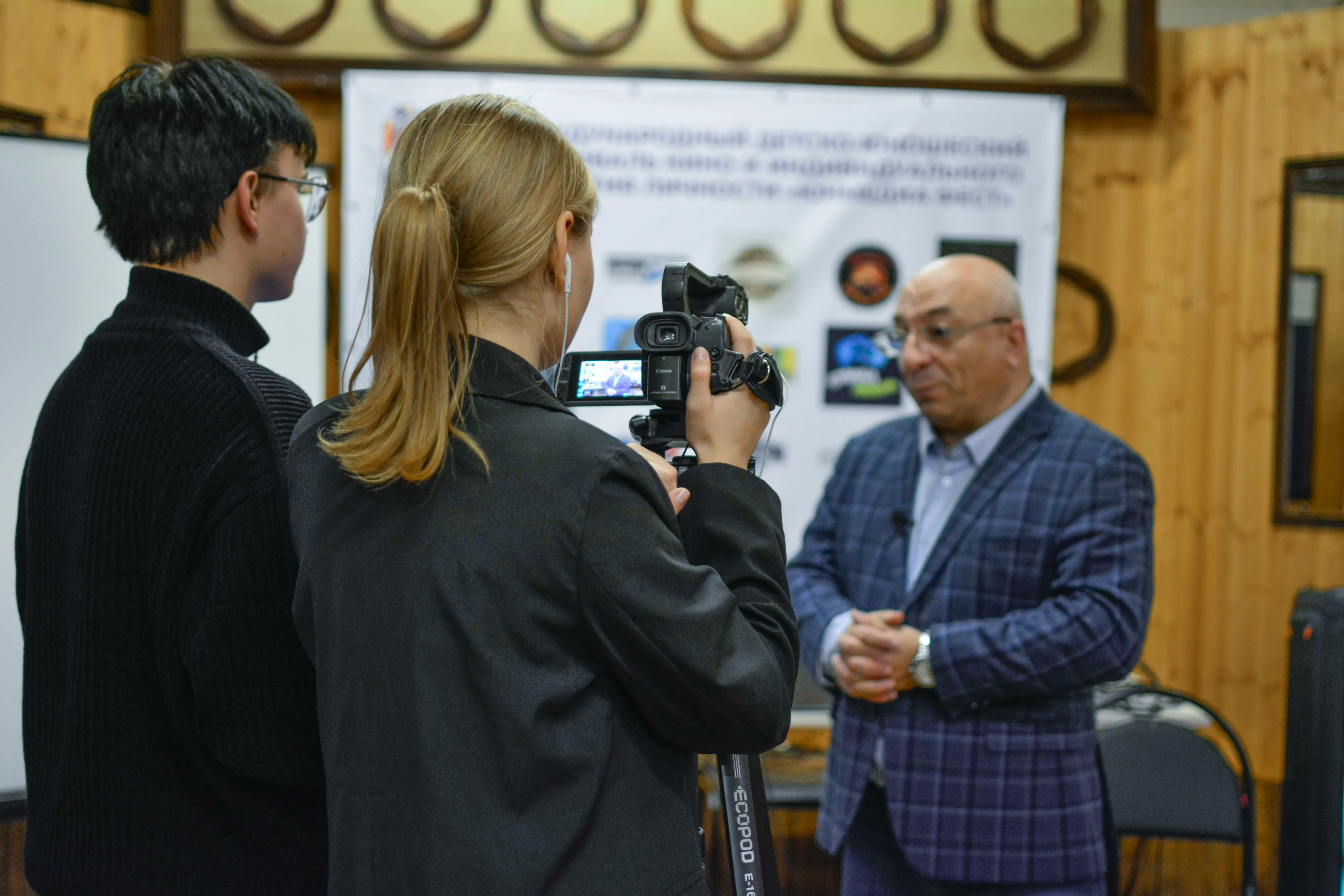
For years, LinkedIn had a reputation as the quiet, buttoned-up corner of social media — the place you updated your job title and then forgot about. That reputation is long gone. In 2026, LinkedIn is one of the most active video platforms for businesses, and short-form clips, vertical video, and live broadcasts now sit front and center in the feed. If you run a small business and you've been treating LinkedIn as a digital resume, you're leaving real opportunities on the table.
One of the most powerful tools available to you right now is LinkedIn Live — the platform's native live-streaming feature. It lets you broadcast in real time to your followers, your company page audience, and even event attendees. And here's the part that matters most for small businesses: LinkedIn Live broadcasts consistently earn far more engagement and comments than standard posts, because the audience is professional, intent-driven, and ready to do business.
Why live video works so well on LinkedIn
People scroll past polished, pre-produced content all day. Live video is different. It's unscripted, human, and happening now — which makes viewers stop, watch, and join the conversation. On LinkedIn specifically, that energy translates into something more valuable than likes: questions from prospects, comments from peers, and direct messages from potential clients.
Live video also signals authority. When you can talk through your area of expertise without a script, your audience trusts you more. For a small business competing against bigger brands with bigger budgets, that trust is your edge. You don't need a studio — a clear phone camera, decent lighting, and something useful to say will outperform a glossy ad most days.
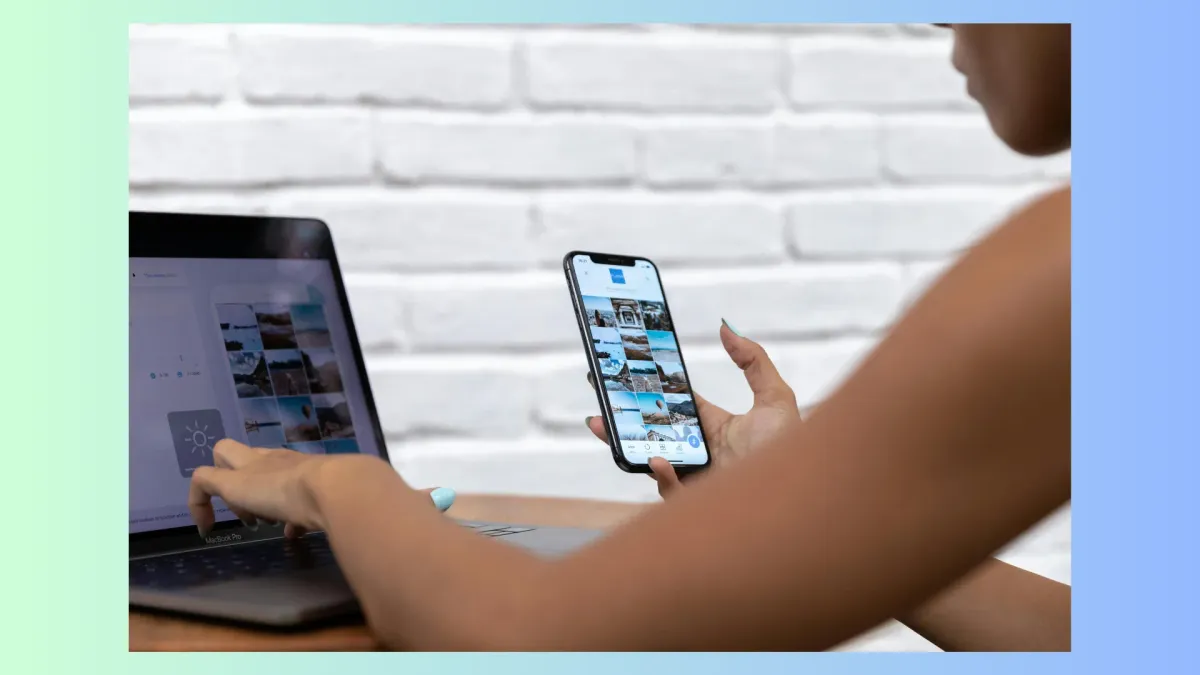
What should you actually go live about?
The biggest hurdle isn't the technology — it's deciding what to broadcast. The good news is that the formats that work are simple and repeatable. Here are reliable ideas you can build a schedule around:
- Q&A sessions: Answer the questions your customers ask you every week. This is the easiest, lowest-prep format there is.
- Behind-the-scenes: Show how your product is made, how your team works, or how you solve a typical client problem.
- Expert interviews: Invite a partner, supplier, or happy customer on as a guest to widen your reach.
- Product demos and tutorials: Walk through how something works in real time and answer questions as they come in.
- Event coverage: Stream from a trade show, workshop, or launch so the people who couldn't attend still feel included.
Whatever you choose, give people a reason to show up live rather than catch the replay. A live Q&A only works if you actually answer comments on the spot — so build in time for it.
How to set yourself up for a strong stream
You'll want a healthy following or an established company page before LinkedIn unlocks live access, so post consistently first. Many small businesses go live through a third-party streaming tool, which gives you cleaner production, branded overlays, and the ability to stream to several platforms at once. When you're ready, a short checklist goes a long way:
- Promote the stream a few days ahead with a LinkedIn event or a simple announcement post.
- Test your camera, microphone, and internet connection before you start.
- Open with a quick intro — new viewers join throughout, so restate the topic often.
- Assign someone to monitor comments so you never miss a question.
- End with one clear next step: visit your site, book a call, or follow your page.
Make every stream work twice as hard
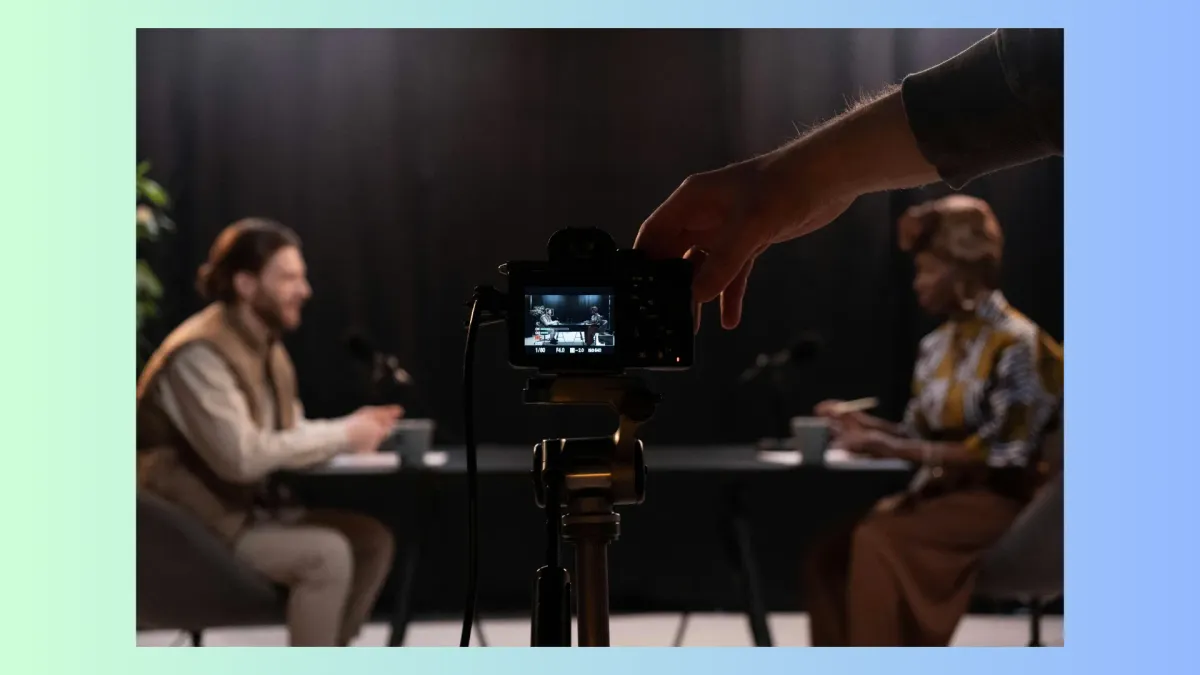
Going live is only half the win. The recording lives on after the broadcast ends, so treat each stream as a content factory. Slice the best two or three minutes into short vertical clips for the feed, pull the key takeaways into a written post, and add the transcript to a blog article. In 2026, that text matters more than ever: AI search tools and answer engines scan written content to decide who to cite, so a well-summarized live session can keep earning visibility for months.
This kind of consistent, multi-format presence is exactly what builds a small business on social media — and it's also exactly what's hard to keep up when you're busy running the company. If planning, posting, and repurposing across LinkedIn and other platforms feels like one job too many, that's where a done-for-you partner like $99 Social comes in. You bring the expertise and the willingness to hit "go live"; we handle the steady drumbeat of content around it.
LinkedIn isn't the quiet platform anymore. Live video is one of the clearest ways to stand out there in 2026 — so pick a topic, set a date, and press start. Your next customer might be watching.


