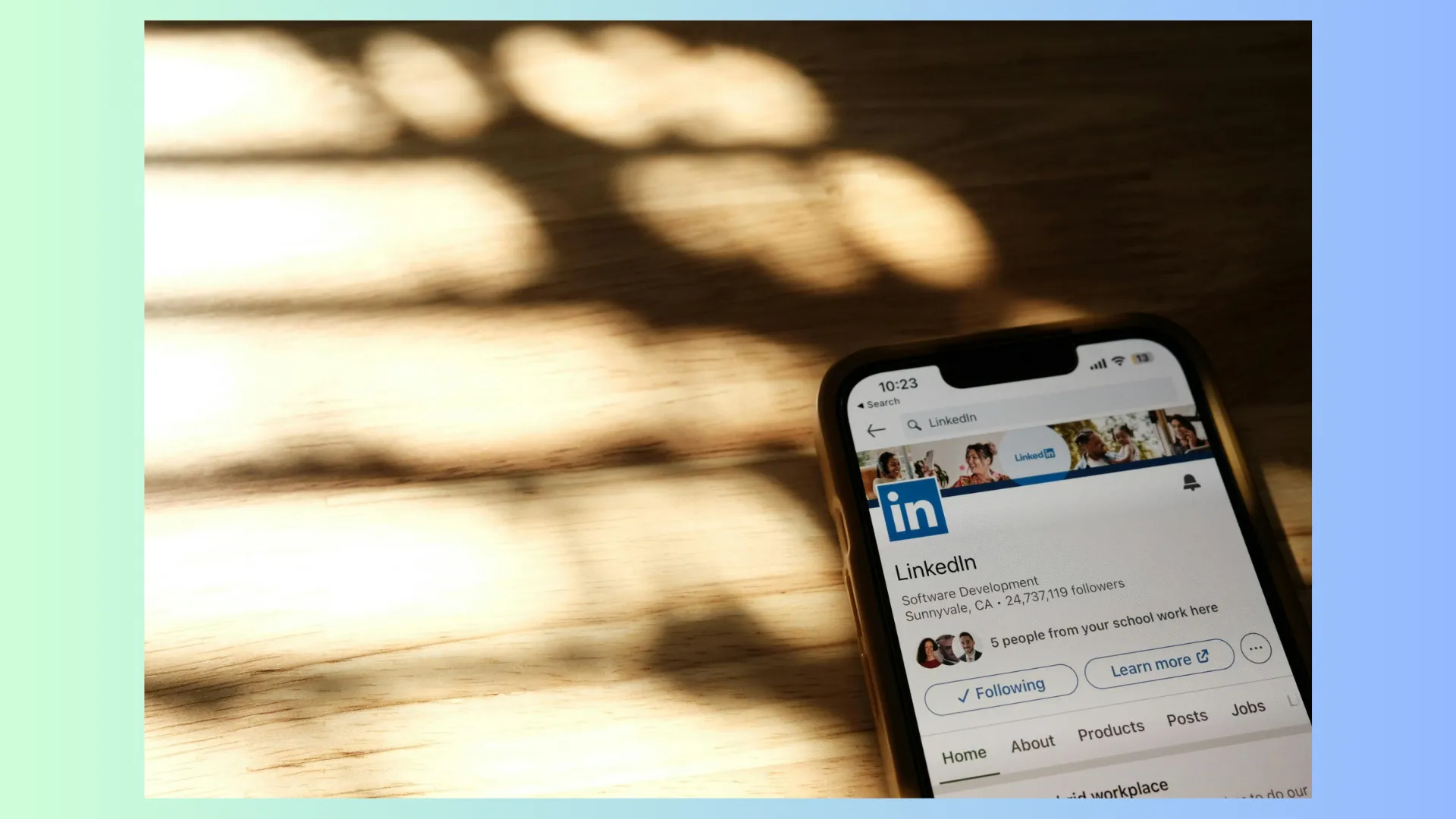
LinkedIn has spent the past year quietly rebuilding what a business Page can do. Pages now support far more content types, smarter mobile management, and a back-end built to ship updates faster and connect more tightly with LinkedIn's other tools. For small-business owners, that means the gap between a "company that has a LinkedIn Page" and one that actually uses it is bigger than ever.
The good news: you don't need a marketing department to take advantage of any of this. Below are three of the most useful recent additions and exactly how to put them to work in 2026.
A smarter, broader job alerts system
Hiring is one of the hardest parts of running a small business, and LinkedIn has leaned into that. The expanded job alerts system now does more than notify candidates when you post a role. It surfaces your openings to people who match your needs based on skills, location, and the kind of content they already engage with, then nudges them with timely alerts so your post doesn't get buried.
Even if you're not actively hiring this quarter, the feature matters. Roles you've posted signal growth, and growth attracts followers, customers, and partners. A few practical moves:
- Lead with skills, not jargon. The matching engine and AI search both work better when your listing names concrete skills instead of vague titles.
- Post from your Page, not just a personal profile, so the role is tied to your brand and shows up in follower feeds.
- Keep a "we're hiring" highlight current even between openings, so candidates can opt into alerts before you post.
Short, honest job posts that describe day-to-day reality consistently outperform corporate boilerplate, especially with the younger talent that lives on LinkedIn in 2026.
Hashtags and discovery that actually work
LinkedIn has put real weight behind hashtags and topic discovery, and your Page can now associate itself with the topics that matter to your business. This is one of the easiest wins for a small business, because it helps the right people find you without paying for ads.
Think of hashtags as the bridge between your content and people who don't follow you yet. When someone follows or searches a topic, well-tagged posts from Pages like yours can appear in front of a brand-new audience. A few guidelines that hold up in 2026:
- Use three to five focused hashtags per post. A mix of one broad topic and a couple of niche or local tags works better than a wall of generic ones.
- Pick tags real people follow. Search the hashtag first and check the follower count before committing to it.
- Pair hashtags with short-form video. Native LinkedIn video and vertical clips get strong reach right now, and tagging them properly extends that reach.
Discovery increasingly runs through AI as well. When people ask an AI assistant for "the best [your service] in [your city]," the platform pulls from clear, consistent, well-structured content. Tagging your posts and keeping your Page description specific helps you show up in those AI-generated answers, not just traditional search.
Funding and credibility signals
LinkedIn Pages can now display richer business context, including funding milestones, growth metrics, and verified details that build trust at a glance. You don't need to be venture-backed to benefit. Any signal that says "this is a real, growing company" makes prospects, partners, and job candidates more comfortable working with you.
For a small business, that might look like a verified Page, a clear "about" section, an accurate headcount range, or a milestone update when you hit a meaningful anniversary or expansion. These small touches do a lot of quiet persuasion, and LinkedIn now gives them more room to shine.
Turning new features into a simple routine
None of this requires a daily grind. The businesses that win on LinkedIn in 2026 keep it simple and consistent:
- Post one or two genuinely useful updates a week, ideally including short video.
- Tag posts thoughtfully and keep your Page profile complete and verified.
- Use job alerts and milestone posts to show momentum, even between hires.
If finding the time to do this every week feels impossible, that's exactly the gap a done-for-you service fills. At $99 Social, we handle the posting, hashtags, and consistency for you, so your Page keeps working while you run your business. Whether you manage one brand or, through our white-label reseller plans, dozens for clients, the goal is the same: show up consistently, look credible, and let the platform's newest tools do the heavy lifting.


