LinkedIn Ads have a reputation for being expensive, and the reputation is earned. Clicks routinely cost several times what they do on Facebook, and a small business that copies its Meta campaign over to LinkedIn usually burns the budget in a week with little to show for it. But LinkedIn is also the only platform where you can reliably reach people by job title, company size, and industry, which for B2B services makes it worth getting right.
The difference between an expensive failure and a profitable channel is mostly a handful of tactics that experienced advertisers use and beginners skip. Here are four of the most valuable, each one specific enough to apply this week.
1. Warm the audience first, then retarget the people who engaged
The most common mistake on LinkedIn is asking a cold audience to book a call or download a guide on the first impression. At LinkedIn prices, paying for that click is painful, and most people are not ready.
The trick is to split the campaign into two stages. Stage one runs a low-cost awareness or engagement campaign - a short-form video clip, a document ad, or a single-image post with a genuinely useful point - to your target audience. The goal is not a click; it is to build a pool of people who watched, read, or reacted. Stage two retargets only those people with the actual offer.
LinkedIn's Matched Audiences makes this straightforward. You can build retargeting audiences from video viewers (by percentage watched), single-image ad engagers, lead form openers, company page visitors, and website visitors via the Insight Tag. A lead campaign aimed at people who watched three-quarters of your video typically converts at a fraction of the cost of the same campaign aimed cold. Give stage one two to three weeks to build the pool before switching stage two on.
2. Run Thought Leader Ads from a real person, not just the company page
LinkedIn lets you promote posts published from an individual member's profile - the founder, a partner, a senior consultant - rather than from the company page. These Thought Leader Ads consistently earn more engagement and lower costs than the same message under a logo, because people on LinkedIn respond to people.
The practical approach: have the founder or a credible team member publish a short, specific post on a problem your customers have, written in the first person with no sales pitch. Let it run organically for a few days, then sponsor it to your target audience as a Thought Leader Ad. The post already has comments and reactions, which act as social proof, and the format reads like content rather than advertising.
This works especially well as the stage-one warm-up in the first trick. A founder's post that gets watched or read creates the engagement audience your lead campaign then retargets. For a small business that cannot outspend larger competitors, this combination is the closest thing to an unfair advantage LinkedIn offers.
3. Fix your bidding and audience size before you blame the creative
Many LinkedIn campaigns fail on setup rather than message. Two settings do most of the damage.
The first is bidding. LinkedIn's default is maximum delivery, which spends your budget as fast as it can at whatever price is needed. For a small budget this often means paying top dollar in the most competitive slots. Switching to manual bidding and starting below LinkedIn's suggested range usually cuts cost per click noticeably; you can raise the bid in small steps if delivery stalls. Cost cap bidding, where available for your objective, is a reasonable middle ground.
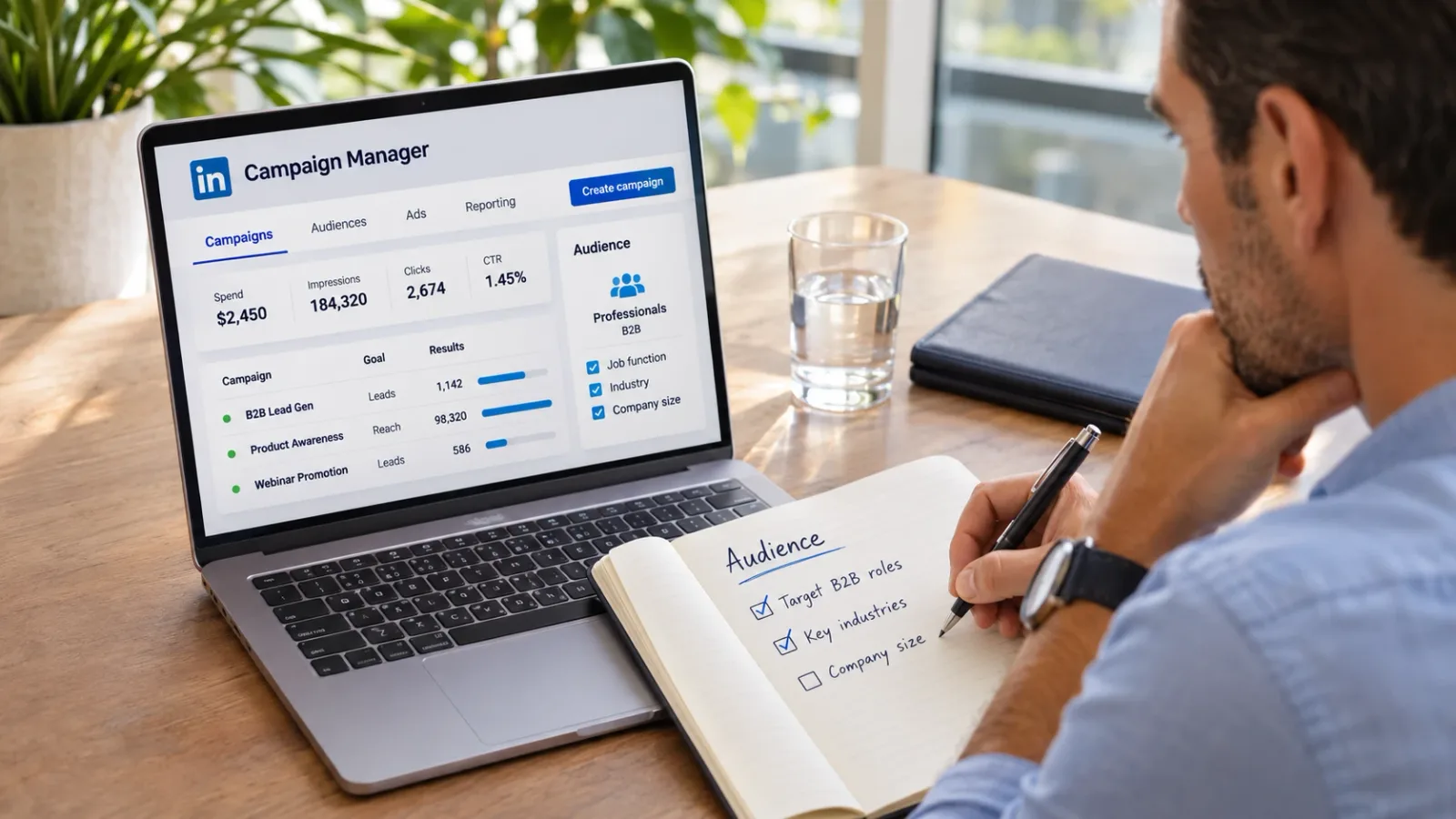
The second is audience size. Advertisers either go too narrow - 2,000 people, three job titles, one city - and get no delivery, or too broad and pay for irrelevant impressions. Aim for audiences between roughly 50,000 and 300,000 for most small B2B campaigns, built from one or two strong criteria such as job function plus company size, or job title plus industry, rather than stacking five filters. Turn off Audience Expansion and the LinkedIn Audience Network at the start so you know exactly who is seeing the ads, then test them later if you want more reach.
One more setting worth checking: exclude your existing customers and your own employees using a matched list. It sounds obvious and it is routinely skipped.
4. Use Lead Gen Forms, keep them short, and follow up fast
Sending LinkedIn traffic to a website form adds friction at the most expensive point in the funnel. LinkedIn's native Lead Gen Forms open inside the platform, pre-fill name, email, company, and title from the member's profile, and submit in two taps. Conversion rates are typically two to three times higher than a landing page for the same offer.
Two refinements make them work better. Keep the form to the pre-filled fields plus at most one custom question - every extra field costs you leads, and the pre-filled data is usually enough to qualify. And connect the form to your CRM or email tool so new leads get a response within minutes, not when someone remembers to download the CSV. LinkedIn leads cool quickly; a same-day reply is often the difference between a conversation and a name in a spreadsheet.
Pair the form with a document ad or a conversation-style ad for the offer itself. Document ads - a short guide, checklist, or case study that people can read in the feed and unlock with the form - are one of the best-performing lead formats on the platform for small businesses, because the value is visible before anyone is asked for anything.
Putting the four tricks together
In sequence, these form a simple, repeatable LinkedIn system. A founder publishes a useful post. It is sponsored as a Thought Leader Ad to a well-sized audience with sensible manual bids. The people who engage become a retargeting audience. That audience sees a document ad with a short Lead Gen Form, and every lead gets a fast reply. Each piece is modest on its own; together they are how small B2B businesses make LinkedIn Ads pay.
Expect to need four to six weeks and a few hundred dollars to see the pattern clearly. LinkedIn rewards patience and punishes the one-week test. If you would rather not run the system yourself, this is exactly the kind of structured campaign a social media management partner with B2B experience can set up and maintain, with a social media manager handling the organic posting that supports it in the same place.
The short version
Warm up before you ask, promote posts from a person rather than a logo, fix bidding and audience size before touching the creative, and collect leads with short native forms followed by a fast reply. Do those four things and LinkedIn Ads stop being the expensive platform and start being the precise one.